 Credit Score Education
 Credit Reporting & Consumer Rights
 Personal Finance Tips
 Budgeting & Money Management
 Identity Theft & Fraud Prevention
 Credit Card Education
 Consumer Financial News
 Cost of Living & Inflation
 Banking & Savings Education
 Consumer Protection & Financial Literacy

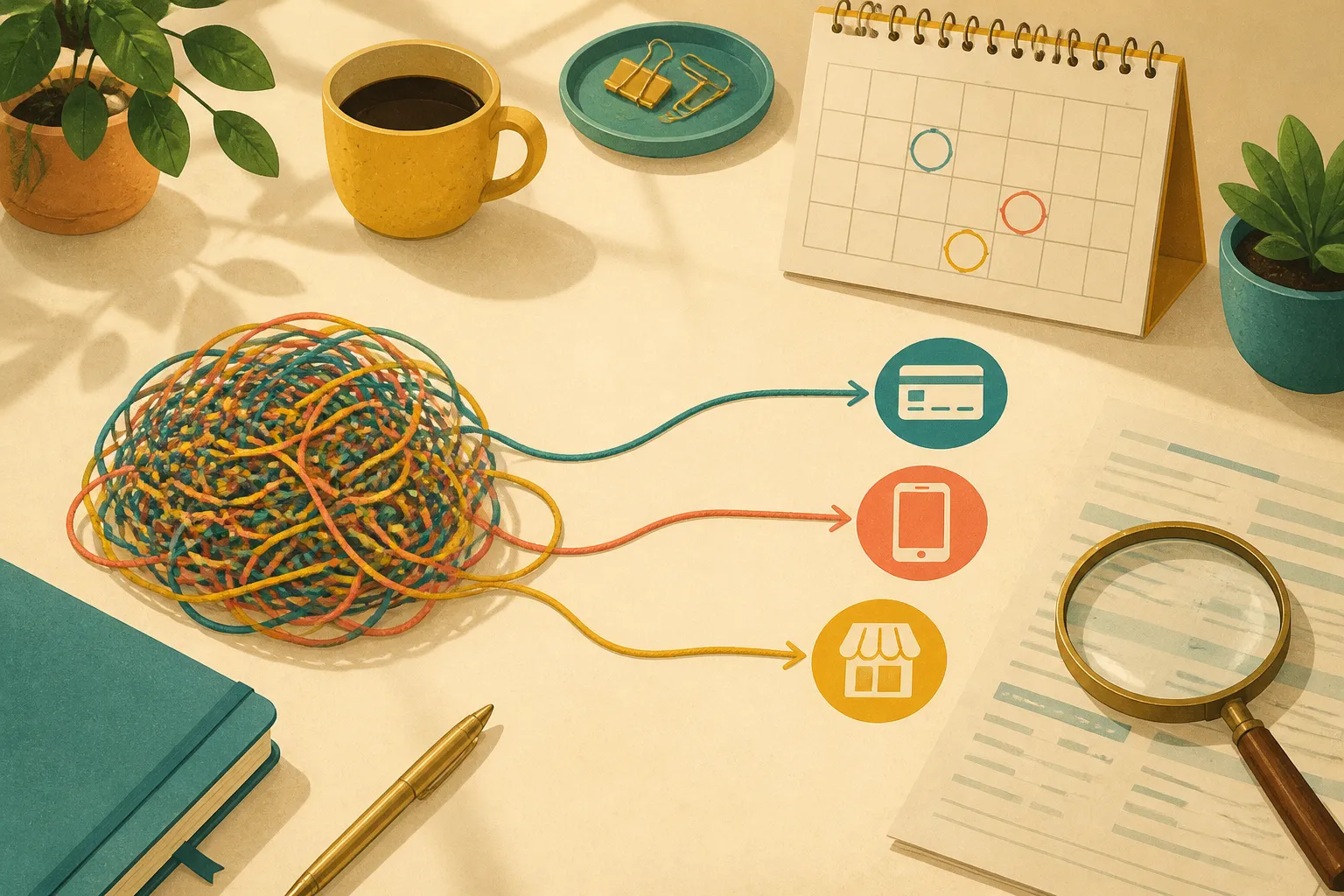
A streaming charge lands on a Tuesday. Then a small monthly fee appears three days later, followed by a trial you meant to end. The practical first move is not to cancel everything at once. Put the charges on a simple bill calendar, then identify who is actually taking each payment. That one detail usually determines the next screen to open, the person to contact, and the record to keep.
Start with a recurring-charge review
Pull up several months of bank and card statements and look for the same merchant description, or a similar amount, appearing at regular intervals. A $12.99 charge every month is easy to spot. A charge that changes after a promotional period may take more attention. Add each possible subscription to a short list with four details: the merchant name as shown on the statement, the amount, the next expected charge date, and the billing route if you know it.
This is where a bill calendar helps. Put the expected renewal date on the calendar a few days before the charge is due. That gives you time to check the account, read any cancellation terms, and save a confirmation. It can also separate services you want to keep from charges you do not recognize or no longer use.
Before contacting anyone, decide what outcome you want. You may be ending the underlying subscription, or you may only want to stop automatic withdrawals and pay an invoice another way. The Consumer Financial Protection Bureau says consumers can make that distinction when communicating with a company. A clear request reduces the risk that a company hears “change my payment method” when you meant “end my membership.”
Find the billing route before you press cancel
Deleting an app from a phone or computer does not necessarily end the recurring charge. The subscription may be billed directly by the company, through an account connected to a device or app marketplace, or through another account used at sign-up. Check the receipt email, the transaction description, and the subscription area of the account that made the purchase.
When a company bills you directly, its website or customer support channel is usually the place to request cancellation. When the charge runs through a device or app-store account, cancellation generally happens in that account’s subscription settings. The company may not be able to end a payment that is controlled elsewhere.
Current support instructions for major device platforms commonly follow the same pattern: open the account settings, find the subscriptions section, choose the service, and select the cancellation option. A button may be below the visible portion of the screen, so scrolling can matter. On a computer, you may be asked to sign in again with the same account used for the original purchase. The official device subscription support instructions and computer account instructions show examples of how those paths can differ.
If there is no cancellation button and the account shows an expiration message, the subscription may already be canceled and scheduled to end at the close of its current period. Shared household plans can complicate the check because the person who set up the shared arrangement may control that subscription.
For bank-account debits, notify both sides
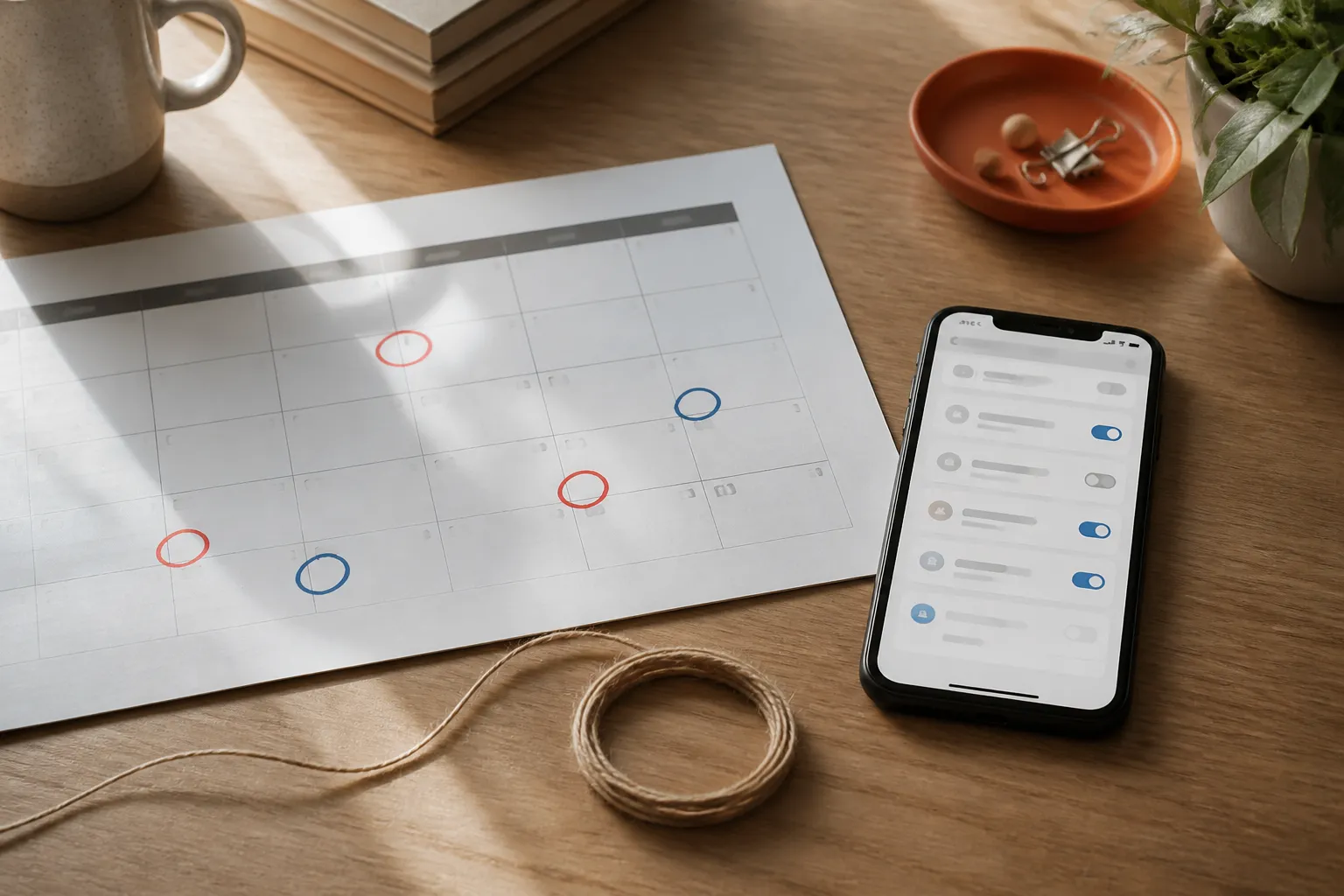
Automatic payments pulled from a bank account call for a two-part paper trail. The CFPB says you have the right to stop a company from taking automatic payments from your account, even if you previously authorized them. Its suggested sequence is to tell the company that you are withdrawing permission for automatic payments, then follow up in writing or by email.
Next, contact your bank or credit union and say you have revoked authorization for that company to take payments. Follow up in writing or by email here as well. Save copies of messages, screenshots of account pages, dates and times of calls, names of representatives if provided, and cancellation or case numbers. Those details turn a vague memory into a usable record.
According to the CFPB, once you have notified both the company and the financial institution that authorization is revoked, later payments from that company would generally be treated as errors. You can ask the financial institution about getting the money back. It may also have a stop-payment process, but procedures, deadlines, and possible fees can vary, so ask the institution directly about its current policy. Read the CFPB’s guidance on stopping automatic bank payments before you begin.
Free trials and automatic renewals still need a calendar check
A free trial can become a paid plan if it renews automatically. Put the trial end date and the cancellation deadline on your calendar as soon as you sign up. Then check the account a day or two later to confirm that the date, price, and billing route match what you expected. A saved confirmation email is useful when the renewal date arrives.
Federal rules in this area are still changing. The FTC’s Click-to-Cancel rule was vacated by the Eighth Circuit on July 8, 2025, on procedural grounds, so its requirements are not currently in effect. Reporting cited in a legal analysis says the FTC sent a draft Advance Notice of Proposed Rulemaking for review on January 30, 2026. That process could include public comment periods and may take time. For now, do not assume a canceled-looking screen or a proposed rule settles a particular billing issue.
The FTC maintains consumer information about free trials, auto-renewals, and negative-option subscriptions, as well as a page on subscriptions you never ordered. Those official resources can be a sensible starting point if the charge is unfamiliar or the sign-up process was unclear.
Confirm the cancellation worked after the next billing date
A cancellation request is one checkpoint, not the finish line. Keep the subscription on your bill calendar through at least the next expected charge date. Check the account status and your statement. If the service remains available until the end of a paid period, that does not necessarily mean the cancellation failed. What matters is the stated end date and whether a new charge posts after it.
If a charge continues after you revoked bank-account authorization with both the company and your financial institution, gather the confirmation and the later transaction details, then contact the financial institution promptly. Ask what documentation it needs and what its process is for an error claim. For questions about a business’s practices or a charge you did not authorize, the CFPB and FTC materials above can help you identify official next steps. Keep the calendar, receipts, and written messages together until the matter is resolved.
Please seek a professional. This article is general information, not financial, tax or insurance advice. Please seek a licensed financial, tax or insurance professional about your own situation.