 Credit Score Education
 Credit Reporting & Consumer Rights
 Personal Finance Tips
 Budgeting & Money Management
 Identity Theft & Fraud Prevention
 Credit Card Education
 Consumer Financial News
 Cost of Living & Inflation
 Banking & Savings Education
 Consumer Protection & Financial Literacy

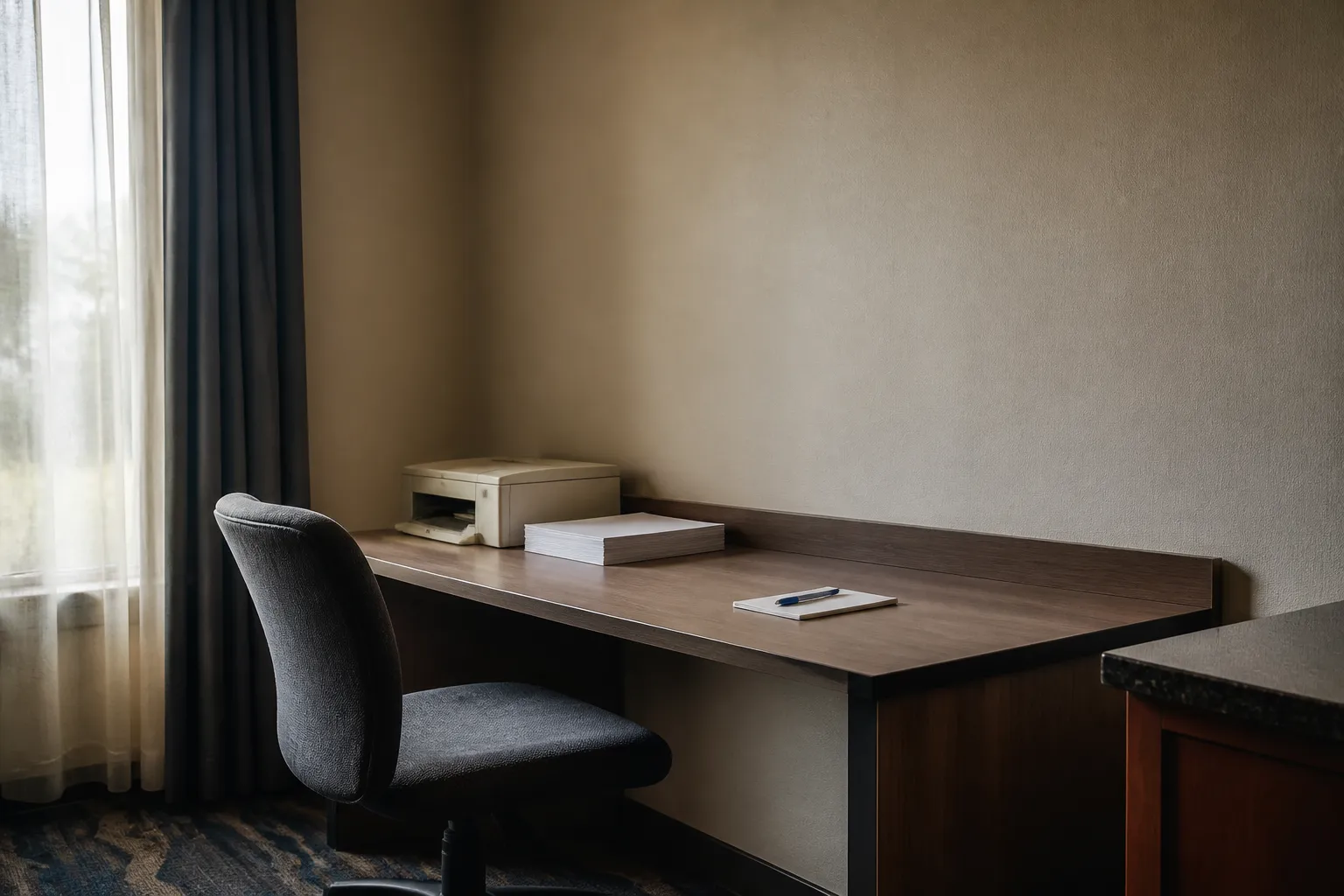
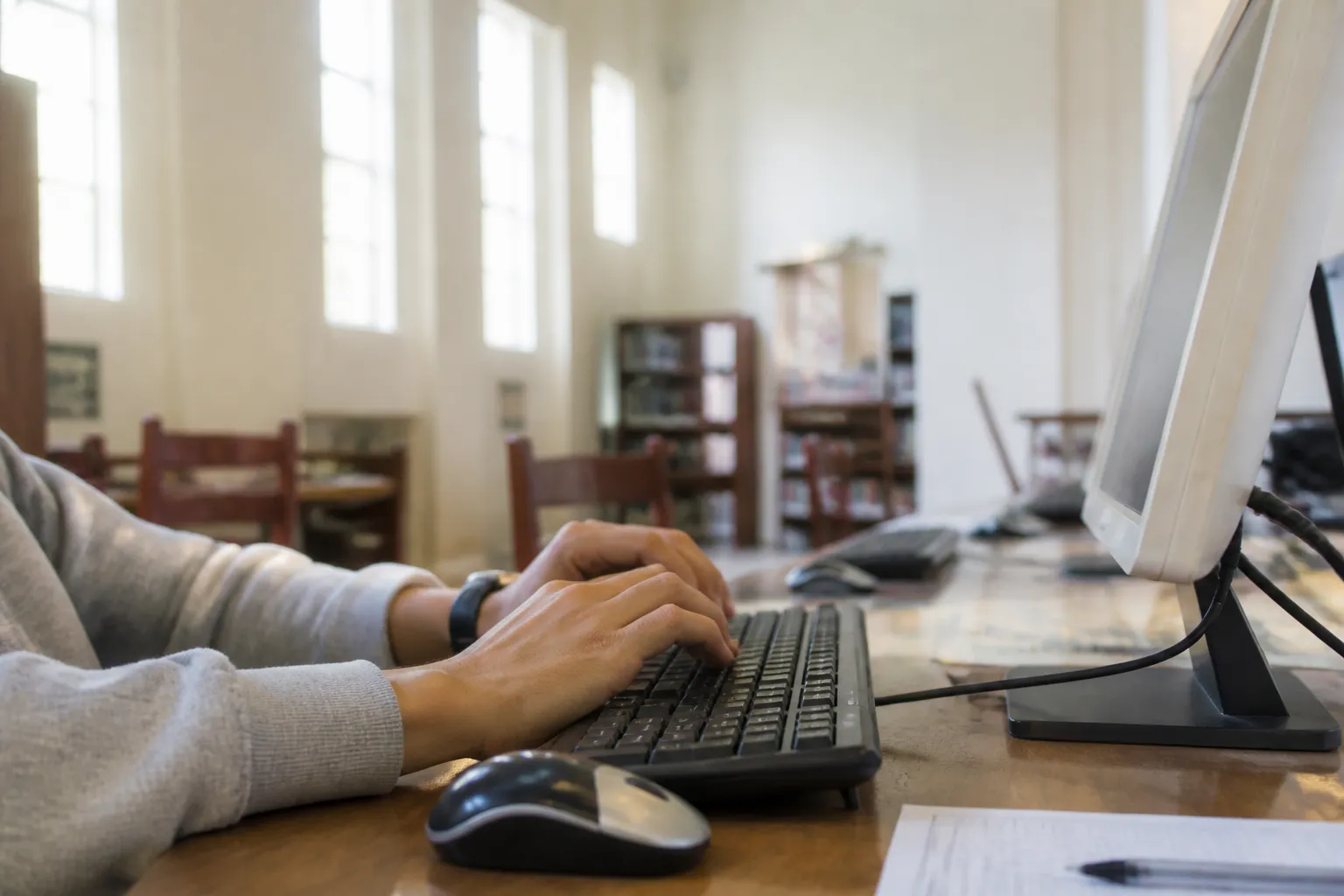
You sit down at a library computer to print a form. The browser is already open and the last person's tab is gone. It feels routine. It is also a machine you know nothing about, on a network you did not set up.
Why shared and public computers carry extra risk
A public workstation is shared by design. According to the National Cybersecurity Alliance, you cannot know who used a public computer before you, or who may be watching the network while you use it. That is the core problem. You are trusting a setup you cannot inspect.
The stakes are real because identity theft needs very little. Identity theft means a thief gathers your information to impersonate or defraud you. Microsoft Support notes that even a small piece of data, such as a Social Security number, password, account number or PIN, can be enough to make credit card purchases, open bank accounts, take out loans or commit crimes in your name.
Reused passwords make one slip worse. The University of Utah Information Security Office says most successful attacks start with compromised credentials or with someone opening a malicious link or attachment. It also notes that when one account's login is compromised, the same username and password are likely to be tried on your other accounts. A password typed once on a bad machine can follow you around.
What to avoid before you sit down
The simplest defense is to ask less of the machine. The National Cybersecurity Alliance advises generally avoiding public computers for sensitive personal information, such as bank accounts, and for financial transactions, such as online purchases. If you can wait until you are on your own device, wait.
If you have to use a shared computer, keep the job small. Print the boarding pass. Read the schedule. Skip the email inbox and the banking site. If you do make a purchase, do not let the browser save your financial information.
The network matters too. The same guidance says public Wi-Fi is generally not secure, so limit what you do on it and avoid email and financial services. It suggests considering a virtual private network (VPN) or a personal hotspot. CNET also lists using a VPN for enhanced privacy among its recommended tools. The sources here do not explain how to pick a VPN, so that choice takes some homework of its own.
Steps to take while you are logged in
Watch the login box. Many sites offer to remember you. Uncheck any "remember me" option, because saving it makes it easier for the next user to reach your accounts. That one checkbox is the most common way a stranger ends up in someone else's inbox.
Watch the room as well. Shoulder surfers can see your screen or what you type, especially on a banking site. Angle your body toward the screen and pause if someone stands close.
Strong account habits help even when the computer is not yours. The National Cybersecurity Alliance recommends long, unique passwords for every account and multifactor authentication (MFA) wherever possible. MFA can use biometrics or one-time codes sent to your phone. A unique password limits the damage of a single exposure, and a second factor adds another hurdle.
Be wary of pop-ups and messages, too. Microsoft describes phishing messages that seem to come from a bank or charity, claim your account was compromised or will be closed, and ask you to click a link or call a toll-free number. It also warns that opening attachments or clicking pop-up windows may secretly install software that collects passwords or account numbers. On a shared machine, you have no way to know what is already installed, so do not click what you did not expect.
Cleaning up when you finish
Closing the window is not signing out. Per the National Cybersecurity Alliance, clicking the "x" on the browser does not log you out. You typically have to log out of each website. Do it account by account, then close all browser tabs.
Next, delete cookies and browsing history. The usual place is the browser's Settings menu. This is a small chore, and it takes less than a minute. It is also the step most people skip when a line is forming behind them.
Leave nothing of yours in the room. Take your printouts and any storage device you brought. That is common sense rather than a finding from the sources, but it costs nothing and it closes an easy gap.
If you think something went wrong
Start by being honest about the numbers. CNET reports that identity theft claims more victims than any other crime in America, with around 19 million people affected in 2024. That figure comes from an identity-protection company cited by CNET, so treat it as that company's estimate rather than a government count. It is a single-year figure, not a long-run total.
If you suspect you left an account open or typed a password into a machine that felt off, act from a device you trust. Changing the password on any account you touched is a reasonable first move, though the sources reviewed here do not spell out recovery steps. Contacting the account provider is another sensible step. The same goes for any other account that shared that password, which is why unique passwords matter so much.
The sources reviewed here also do not cover checking credit reports, placing fraud alerts or credit freezes, or reporting identity theft to government agencies. They also do not explain how to tell whether a public computer has been tampered with. If your Social Security number or a financial account number was exposed, look to official government consumer resources for those next steps, and do not rely on this article alone.
Habits beat luck here. Keep sessions short, skip the sensitive stuff, sign out properly, and use your own connection when you can. None of it guarantees safety. It does shrink what a stranger could find.