 Credit Score Education
 Credit Reporting & Consumer Rights
 Personal Finance Tips
 Budgeting & Money Management
 Identity Theft & Fraud Prevention
 Credit Card Education
 Consumer Financial News
 Cost of Living & Inflation
 Banking & Savings Education
 Consumer Protection & Financial Literacy

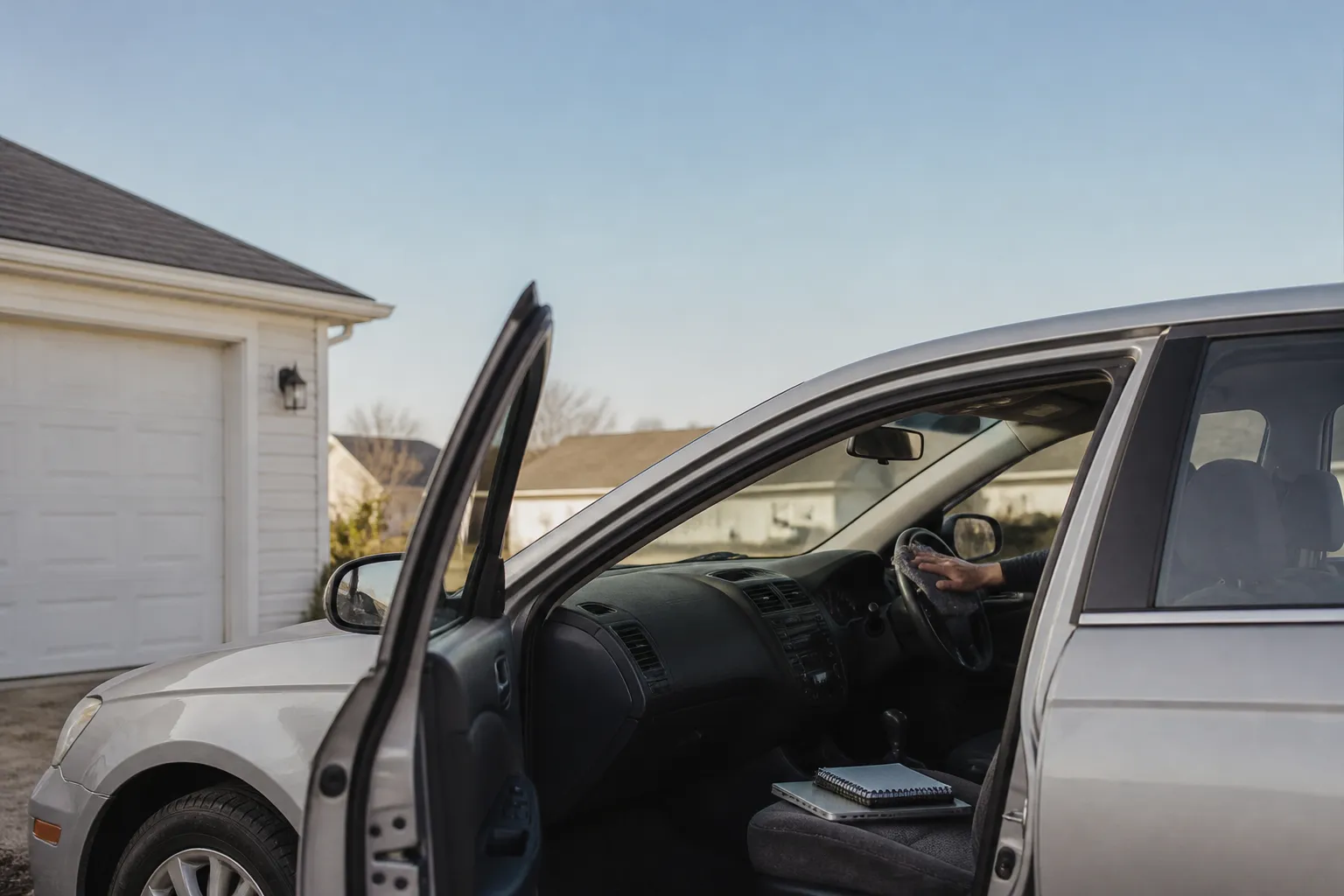
Before you hand over an old phone, laptop or car, your records go with it unless you clear them. Saved passwords, login tokens, home routes and synced contacts can all sit on the device. A buyer or a trade-in desk may be able to read them.
- List every service tied to the device, including cloud backups, email accounts and stored payment options.
- Find out whether your wipe truly sanitizes the storage or only hides files from view.

- Cancel connected car subscriptions and remove paired phones at the dashboard.
- If you think your data was exposed, watch your account statements and credit reports closely.
Why old devices hold more of your identity than you expect
A used phone is a record of your habits. It can hold message history, authentication apps, photos with location details and banking logins. A laptop can hold tax forms, browser autofill and saved Wi-Fi keys. A car's infotainment unit may keep your home address, saved destinations and any phonebook it copied over Bluetooth. Each of these is a small piece of your identity, and together they are enough to cause trouble.
The Federal Trade Commission publishes consumer advice on removing personal information from a phone, a computer and a car. We could not retrieve the text of those pages for this piece, so we are not summarizing their steps. Open them before you sell and follow what they say. Also check the maker's own reset instructions for your exact model.
What erasing a device really means
Dragging a file to the trash is not the same as destroying it. Deleting a file often leaves the data in place, so a simple delete is a weak safeguard. Real protection comes from media sanitization. NIST defines it as a process that makes access to the target data on the media infeasible for a given level of effort.
In September 2025, NIST published SP 800-88 Revision 2, Guidelines for Media Sanitization. It replaces the 2014 version. According to NIST's update announcement, the revision focuses on building an organizational sanitization program, with methods chosen by how sensitive the information is. Apart from cryptographic erase, it points readers to IEEE 2883, NSA specifications or an approved organizational standard instead of listing tools.
Cryptographic erase is described as commonly used across encrypted media. It destroys the keys that unlock the data, so what remains is unreadable. That is a useful idea for a home seller. If your phone or laptop is encrypted, a reset that discards the keys is a stronger step than deleting files by hand. NIST's material is written for organizations, though. It does not tell a consumer which button to press, so rely on the manufacturer's reset instructions for that.
Connected cars can keep collecting after you drive away
Cars now carry modems, sensors and apps that record how and where you drive. The General Motors case shows what can happen with that data. According to CNET, GM agreed to pay $220 million to 35 states and the District of Columbia over its Smart Driver program, which dealerships offered from 2016 to 2024. The reporting says driver data was sold to third parties, including data brokers and insurers. In 2025 GM also settled with the FTC over Smart Driver and OnStar location data and agreed to a five-year ban on selling driver data.
One owner was reportedly told that a 22 percent premium increase came from driving information supplied by a data broker, according to the New York attorney general's office. The CNET account of the case indicates that a maker should get express consent before collecting or sharing driver data. For a seller, the lesson is practical. Find out whether your car was enrolled in any driver-scoring program, and end the connected service tied to your account before the sale. The FTC also has a page on unlawful collection and use of car consumer data. Only its title was available to us, so we draw no conclusions from it.
A seller's checklist
Start with the data, not the device. Ask yourself what the machine holds. If it holds tax filings, account numbers or scanned identity documents, a plain reinstall is a thin defense. Choose a method that matches how sensitive the contents are, which is the principle NIST builds its guidance on. Back up what you want to keep first, then sign out of your accounts, then reset.
For a car, work through the dashboard and the companion app in order:
- Check whether the car joined a connected driver program, and whether you agreed to share data.
- Remove your phone, contacts and saved navigation from the head unit.
- Cancel any active connected-service subscription tied to your account.
- Run the infotainment factory reset before you hand over the keys.
Then check the result. Look at the device as a stranger would. Does it still show your name, your saved addresses or your accounts? If it does, the wipe is not finished.
What a reset can and cannot prove
The sources we found leave some questions open. They do not explain how an ordinary owner can confirm that a wipe worked. They do not compare a consumer reset with the NIST program standards. They also say nothing about how dealers handle data left on trade-ins, or how to opt out of connected-car data sharing in general.
That uncertainty is a reason to be thorough. Do the reset, then inspect the device. Keep the receipt or the trade-in paperwork. If you suspect your information was misused after a sale, watch your financial accounts and contact the companies involved. For a car, ask the maker directly how to close your connected account, and keep a written record of the answer.